
Introduction
Artificial intelligence (AI) is changing how students learn, research, write, and prepare for examinations. In 2026, students can use free AI tools to understand difficult subjects, organize their studies, improve their writing, and develop new skills.
Whether you are studying in Ghana, the United States, the United Kingdom, Canada, or anywhere else, these tools can make learning easier when used responsibly.
However, not every AI tool is completely free. Some offer free plans with daily or monthly limits, while others require payment for advanced features.
In this guide, we will explore 10 useful AI tools for students, explain what each tool does, and provide practical examples of how to use them without spending money.
Important: AI should support your learning, not replace your own thinking. Always verify important information and follow your school’s academic integrity rules.
1. ChatGPT — Best for Learning and Understanding Difficult Topics
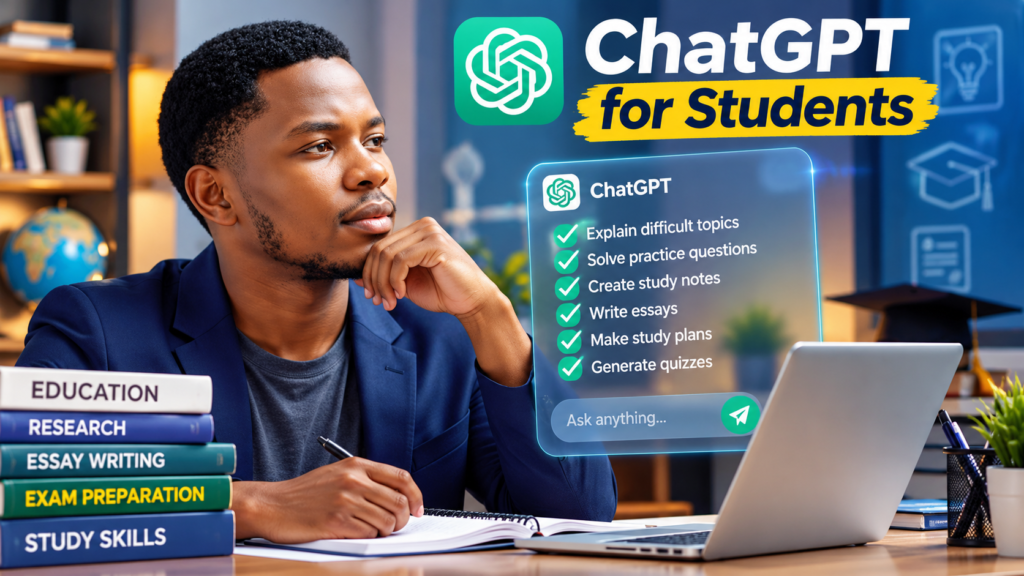
ChatGPT is an AI assistant developed by OpenAI. It can help students understand difficult subjects, prepare for examinations, practise writing, and explore new ideas.
Students studying mathematics, economics, science, accounting, business, and other subjects can use ChatGPT as a personal study assistant.
What Can Students Use ChatGPT For?
- Explaining difficult topics in simple English.
- Solving practice questions with step-by-step explanations.
- Creating revision notes and study schedules.
- Generating practice quizzes.
- Improving grammar and writing.
- Practising interview questions and presentations.
Practical Example
Imagine you are a university student struggling to understand the concept of demand and supply in economics.
You can ask ChatGPT:
“Explain demand and supply in economics using simple English and practical examples. Give me five practice questions with answers.”
ChatGPT can provide an explanation, examples, and practice questions to help you understand the topic.
Is ChatGPT Free?
Yes. ChatGPT offers a free plan, although some features and usage are limited. Paid plans provide additional capabilities.
Tips for Students
Use ChatGPT to understand your assignments rather than simply copying its answers. Check calculations, references, and important facts against reliable sources.
Best for: Studying, exam preparation, explanations, brainstorming, and writing assistance.

3. Grammarly — Best for Improving Writing and Grammar
Grammarly is an AI-powered writing assistant that helps students improve their English, correct grammar mistakes, and make their writing clearer.
Whether you are writing an essay, preparing a presentation, or sending a professional email, Grammarly can help you identify errors and improve readability.
What Can Students Use Grammarly For?
- Correcting spelling and grammar mistakes.
- Improving sentence structure.
- Checking punctuation.
- Making academic writing clearer.
- Improving emails and presentations.
- Learning from writing suggestions.
Practical Example
Imagine you are writing an assignment and type:
“The students was preparing for their examination.”
Grammarly can identify the grammatical error and suggest:
“The students were preparing for their examination.”
This helps you understand the mistake and improve your writing.
Is Grammarly Free?
Yes. Grammarly offers a free plan with basic writing assistance. Advanced writing suggestions and some AI features require a paid subscription or have usage limits.
Tips for Students
Review Grammarly’s suggestions before accepting them. Keep your original meaning and writing style, especially when completing academic assignments.
Best for: Essays, grammar correction, academic writing, emails, and presentations.
4. Canva — Best for Presentations and Graphic Design
Canva is an online design platform that helps students create beautiful presentations, posters, infographics, and school projects.
It also offers AI-powered features that make designing easier, even if you have no graphic design experience.
What Can Students Use Canva For?
- Creating professional school presentations.
- Designing posters for school events.
- Making educational infographics.
- Creating attractive assignment covers.
- Designing charts and visual learning materials.
- Preparing group project presentations.
Practical Example
Imagine your lecturer asks you to prepare a presentation about climate change.
Instead of creating everything from scratch, you can open Canva, search for a suitable presentation template, and customize it with your research, pictures, and explanations.
Some Canva AI features can also help you generate design ideas and improve your presentation.
Is Canva Free?
Yes. Canva offers a free plan with templates, design tools, and selected AI features. Some premium templates and advanced AI features require payment or have usage limits.
Tips for Students
Use simple designs, readable fonts, and clear images. Avoid adding too many decorations that distract from your presentation.
Always check AI-generated information before including it in academic work.
Best for: Presentations, posters, infographics, school projects, and graphic design.
5. Perplexity AI — Best for Research and Finding Information
Perplexity AI is an AI-powered search tool that helps students research topics, understand difficult subjects, and find useful information online.
Unlike traditional search engines, Perplexity can provide direct answers with links to sources.
What Can Students Use Perplexity AI For?
- Researching school assignments.
- Finding information about academic topics.
- Understanding difficult concepts.
- Discovering sources for further reading.
- Preparing for class discussions.
- Exploring current events and scientific discoveries.
Practical Example
Imagine your lecturer gives you an assignment on the causes of unemployment in Ghana.
You can ask Perplexity:
“Explain five major causes of unemployment in Ghana and provide reliable sources.”
Perplexity can generate an explanation and provide links to supporting information.
You can then visit those sources, check their accuracy, and use the information to develop your own assignment.
Is Perplexity AI Free?
Yes. Perplexity offers a free version for everyday research. Some advanced features and models have usage limits or require a paid subscription.
Tips for Students
Always open and verify the sources provided by Perplexity. AI-generated answers and citations can sometimes contain mistakes.
Do not copy AI-generated research directly into your assignments. Use it to understand the topic and develop your own ideas.
Best for: Academic research, finding sources, understanding complex topics, and exploring new information.
6. Google NotebookLM — Best for Studying Notes and PDFs
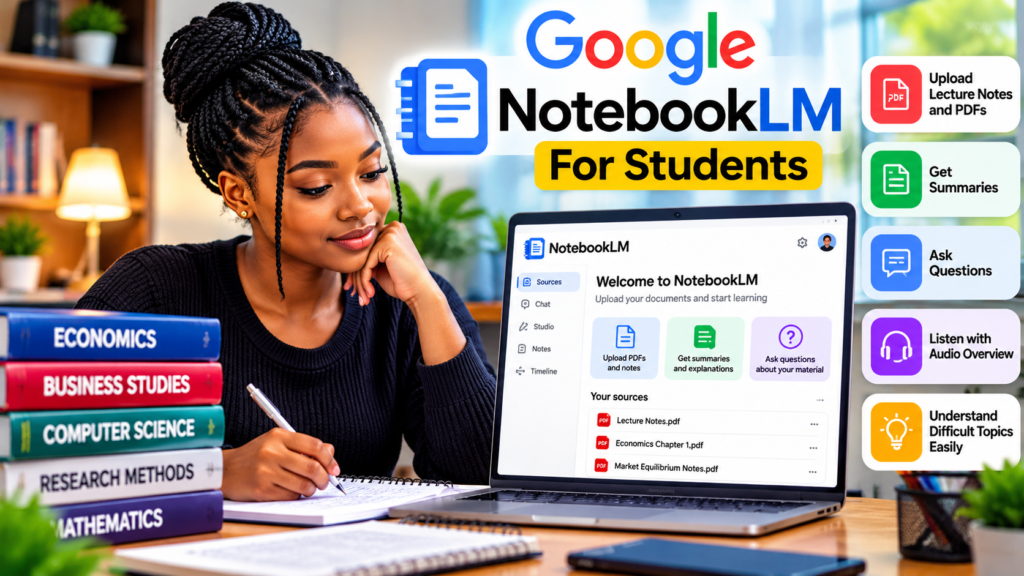
Google NotebookLM is an AI-powered research and study assistant that helps students understand information from their own documents.
Students can upload lecture notes, PDF textbooks, and other supported learning materials. NotebookLM then helps explain, summarize, and organize the information.
What Can Students Use NotebookLM For?
- Summarizing long lecture notes.
- Understanding difficult textbook chapters.
- Preparing for examinations.
- Creating study guides.
- Generating questions for revision.
- Finding important information in uploaded documents.
Practical Example
Imagine you are a university student preparing for an Economics examination.
Your lecturer gives you a 50-page PDF covering demand, supply, and market equilibrium.
Instead of reading everything repeatedly, you can upload the PDF to NotebookLM.
Then ask:
“Explain market equilibrium in simple English and give me five practice questions based on these notes.”
NotebookLM can help explain the topic using your uploaded material.
You can also use its Audio Overview feature to listen to a discussion of your study materials.
Is Google NotebookLM Free?
Yes. NotebookLM offers a free version with useful study features. Some features have usage limits, and higher limits may require a paid plan.
Tips for Students
Always compare NotebookLM’s explanations with your original lecture notes.
Remember that AI can make mistakes or misunderstand information.
Use NotebookLM to improve your understanding, not to replace studying.
Best for: Lecture notes, PDF summaries, exam preparation, revision, and understanding difficult subjects.
